Inspiration and research
Sitting in front of a blank Photoshop canvas with the intention of designing a web page from scratch can be a daunting task for anyone and you could feel as though you don’t know where to begin.
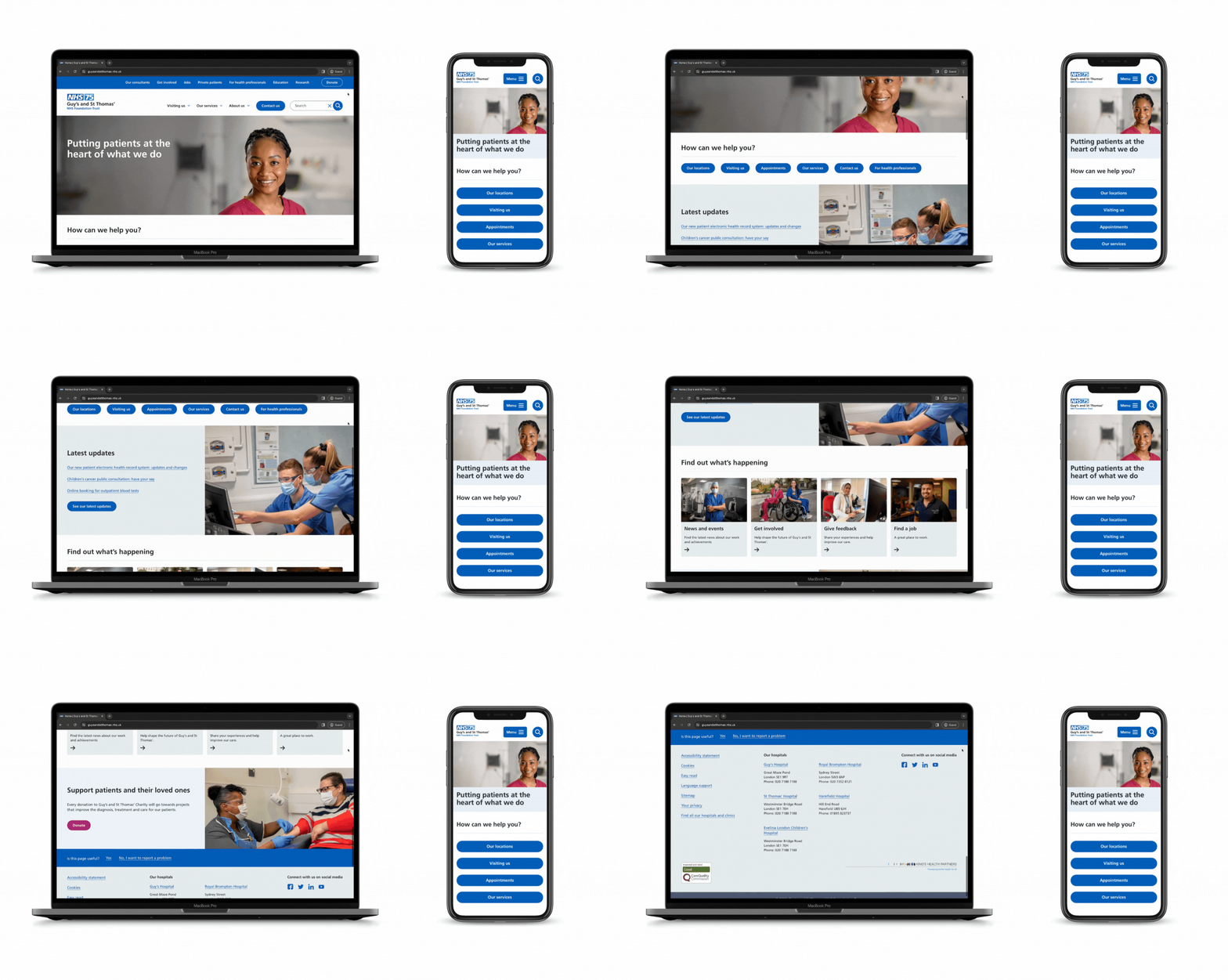
I find the best way to start is by researching. Have a look at competitors websites, new design techniques/trends, fonts etc. Whilst browsing you could see something you really like that could become the basis of your design, it could be an element such as a shape or pattern, a concept such as using over-sized text or an illustrated character. Researching helps to broaden your thinking and inspires you take on the job at hand.
Where and how to research and be inspired
Look around you!
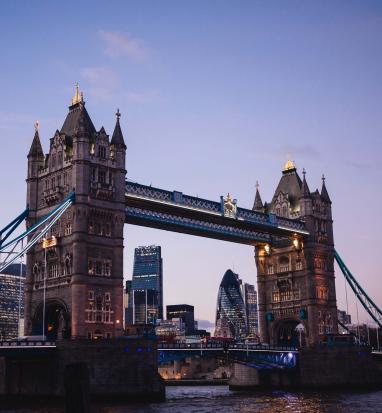
The world is full of design inspiration in the form of shapes, colours, signs, architecture, machinery, cars, animals, nature, people etc. Everything around you has the potential to inspire you.
Browse the net!
Look on …
www.smashingmagazine.com
www.speckyboy.com
www.sixrevisions.com
www.thefwa.com
www.bestwebgallery.com
and other such web sites to see the most modern designs. Also font websites such as www.dafont.com and colour palette tools like www.colourlovers.com for help with deciding on what colours to use together.
Read magazines!
All magazines have been designed so they all contain designed elements, shapes, fonts, colours and layout concepts. Also, look in design specific magazines to learn about new trends and techniques and learn from tutorials. They also showcase the latest and greatest in web design for you to learn from. Start collecting leaflets, articles, business cards, anything you like the look of for future inspiration.
Mind map!
Make a note (map) of the ideas you have and design elements, pages etc you have seen and liked during the researching stage.
Things to consider before you start designing
The brief
Make sure you have read the brief thoroughly and have a good understanding of what is needed/expected from the design. It is important to know who the target audience is and to understand the whole purpose of the website.
For example, if the site is an educational gaming site aimed at young children then the design needs to be fun, colourful, use rounded corners and rounded, bold fonts and include big, clear calls to actions. Whereas if it is an information website, it may need to encompass a corporate look and feel, for this you would use a completely different colour pallet, incorporate more white space and the focus would be on information given on the site rather than imagery, games etc.
Branding
Before you start designing anything it is important to find out if you have any constraints in terms of the company branding. Do they have a logo, brand colours, is their brand clean and corporate or a bit wacky and bright. Do they use rounded corners and gradients or do they strictly use squared corners and bold, flat colours etc. Look at any designed materials the company may have already to get a feel of what they like.
Navigation and pagination
Create a flow diagram of the pages that are needed within the website and decided what one’s will link to each other and how.
Example of a flow diagram…

Decide where the navigation bar/menu will sit and how it will act. For example, will it sit on the left of your page, along the top or on the right side. Will you have a secondary navigation bar, if so where will that be positioned? Will your nav contain drop down functionality or a fly out menu etc. As well as a navigation menu will there be other ways to navigate the site, such as arrows, text links etc.
Setting up the page
Create a new document
Open Photoshop
File > New…
If you’re making a standard web page, it should fit in the space of 1024 x 768px.
If you’re creating a web page for a mobile device or specifically for larger or smaller screens then please see the other dimensions with the sizedrop down list (please make sure the Preset drop down list is set to web.

The design of the website pages should fit just inside this space, so I find the document easier to work with if it’s a bit bigger.
Make your canvas bigger using the following instructions…
Double click the background layer in your layers menu
Click on the dialogue box window that pops up.

Now, go to Image > Canvas Size
Change the width to 1200px
Click OK”
You can now add a layer behind the white layer which will be your background layer.
Design tips for beginners
Guidelines
Set up guidelines on your page so you can line your design up.
View > Rulers
Click on the ruler at the top or at the side and drag a guideline onto your page. To change it’s positioning simply click on it and drag. To delete it, click it and drag it off of your canvas.
The margin box
Margins and padding are important in any design.
Try to use the same margin size or set of sizes throughout your design.
You can do this by creating a little box image with the margin dimensions as a guide.

Go for it!
Start creating your masterpiece! Throw ideas at the page and just go for it. A lot of ideas won’t work but you’ll find something that does and you can then start to build on it. Be patient and confident in yourself.